 ManabitAI
Scan.
Point your camera at anything written in Japanese.
Signs, menus, manga, train notices. Tap the line you want and ManabitAI reads it. You can also paste text from articles and ebooks.
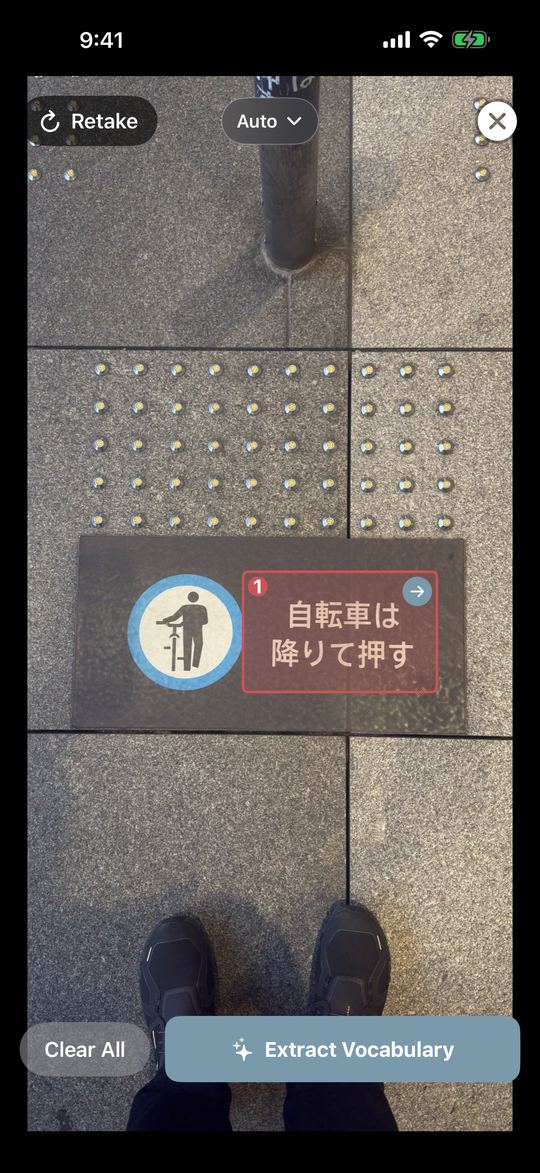
Scan a sign, a menu or a page. Every new word becomes a card you'll remember, from N5 to N1.
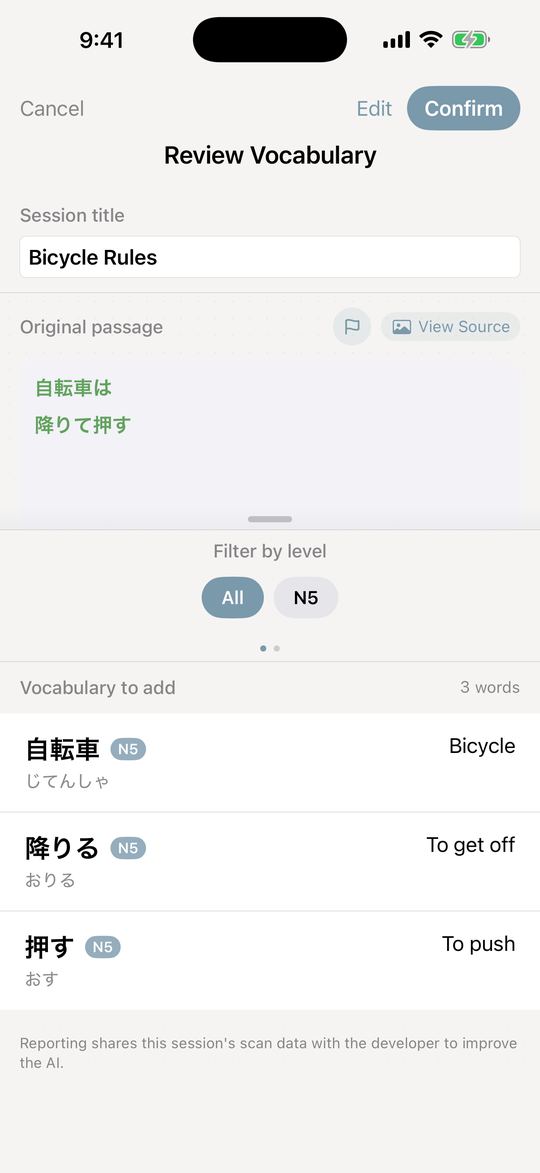
Bicycle
To get off
To push
Say it manabitai. It means “I want to learn.”The name is the whole idea: the words you want to learn are the ones you keep running into.
Signs, menus, manga, train notices. Tap the line you want and ManabitAI reads it. You can also paste text from articles and ebooks.
One sign gave three N5 words: 自転車, 降りる and 押す. Review them, then confirm, and they join your deck.
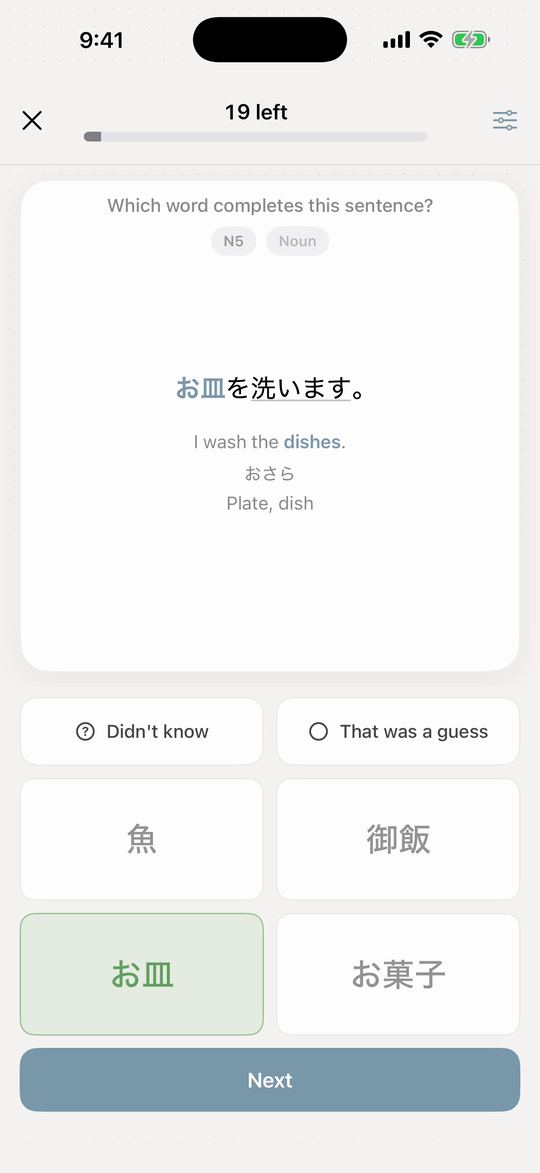
Four ways to study each word, so you learn to read it, understand it and use it.
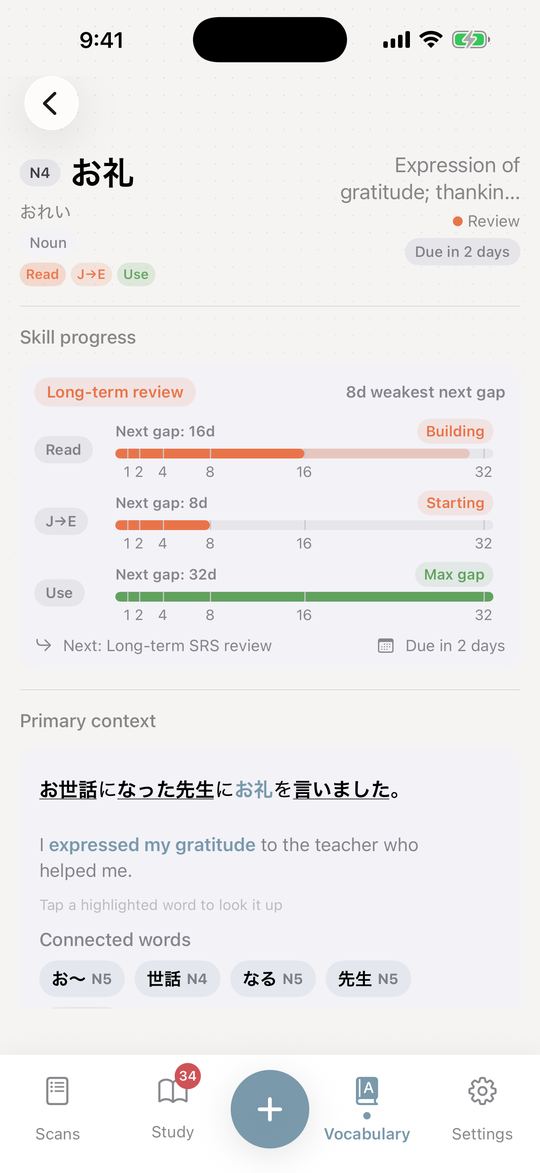
Reading, meaning and usage are spaced separately. The one you're weakest at comes back sooner.
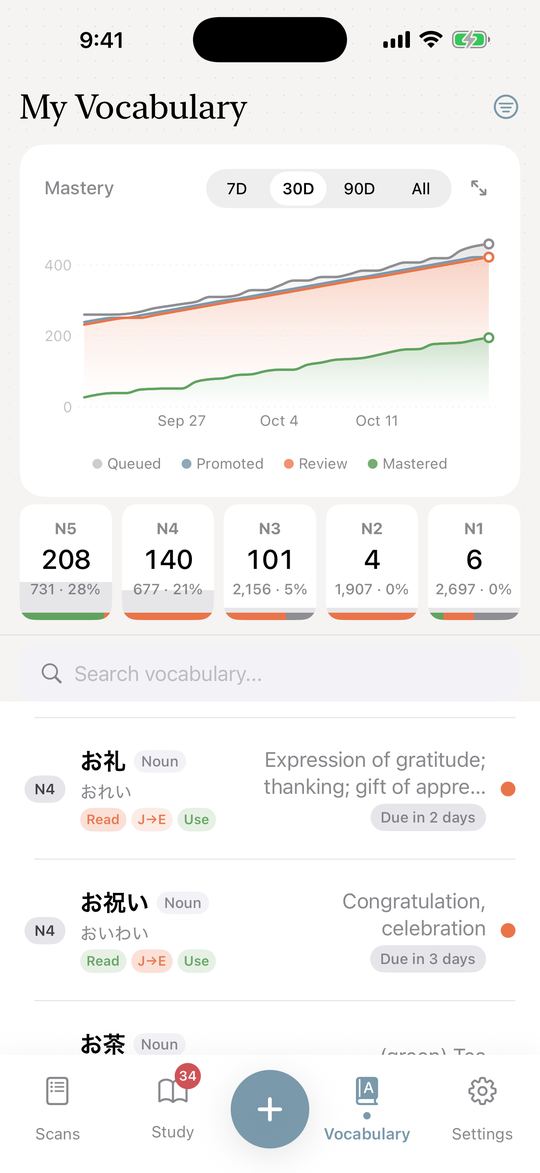
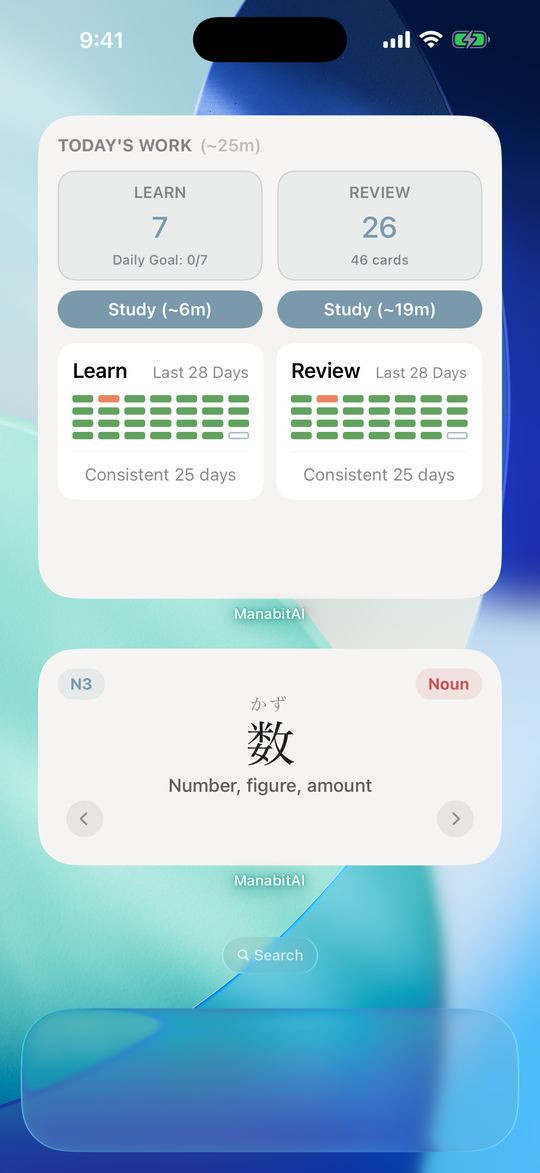
Mastery charts, a daily goal and a projected timeline show where you're headed.
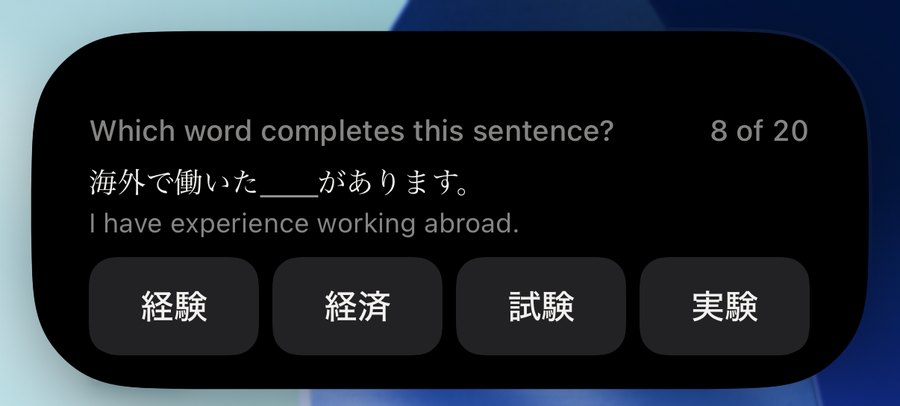
These are real cards from the app. Pick the word that completes each sentence, the same way you would in a study session.
Built-in decks, grouped into themes like Question Words and Numbers & Counting. Words you scan land in the same pipeline, so the list you study is the language you actually meet.
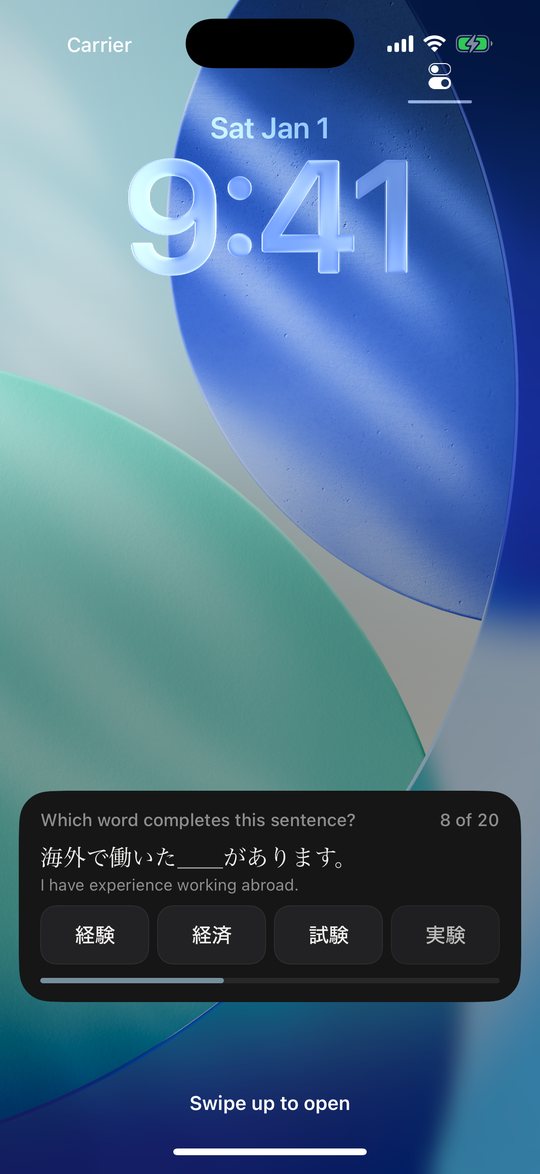
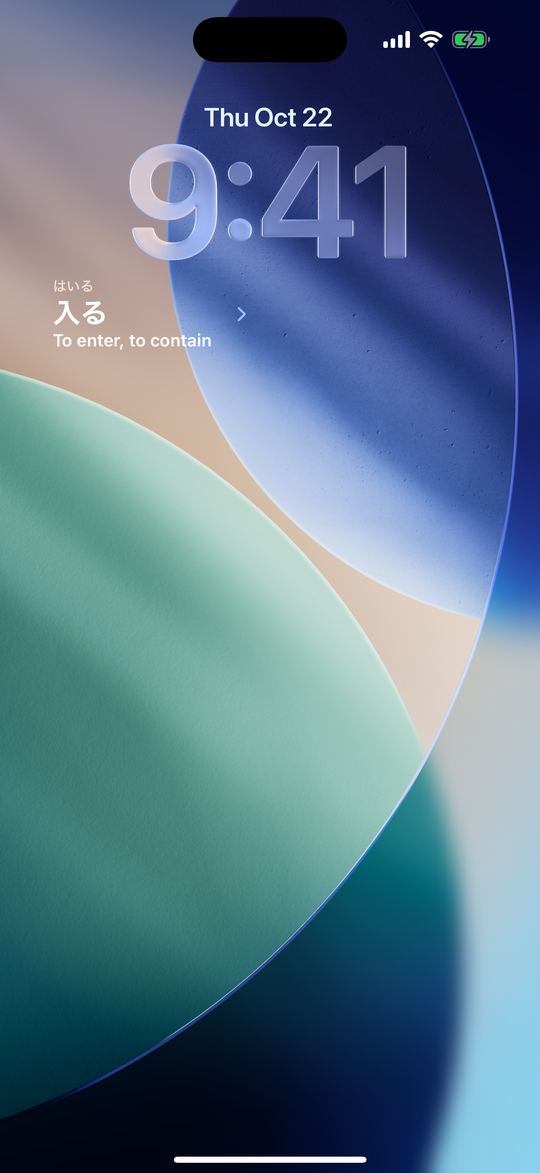
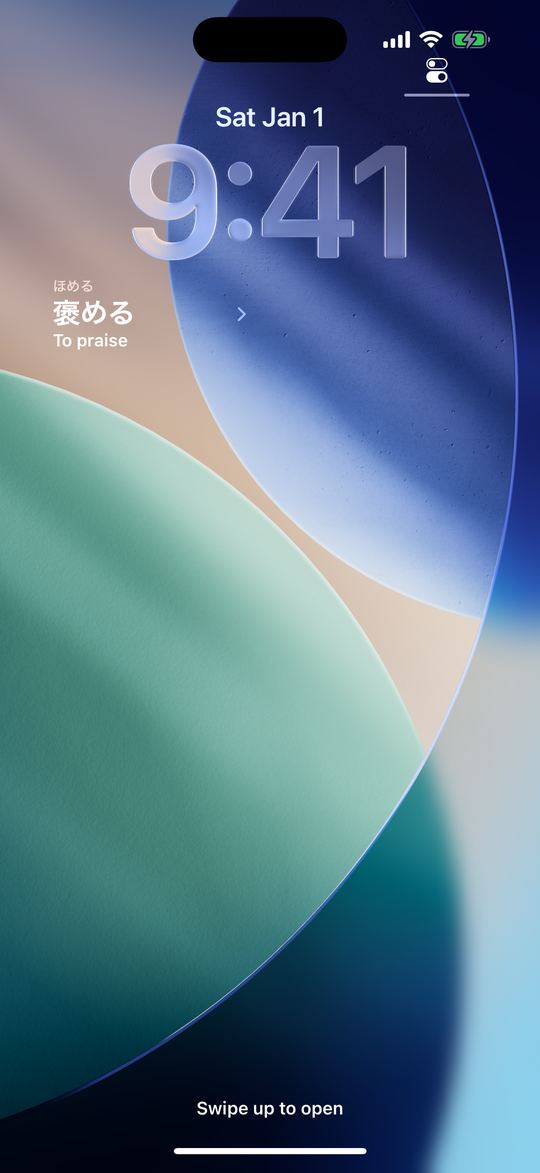
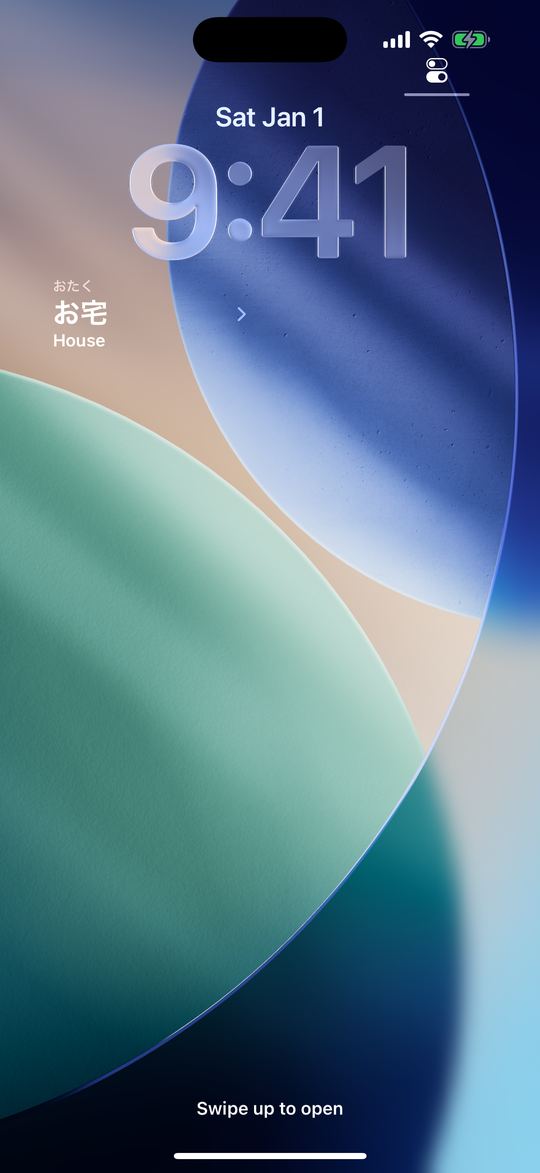
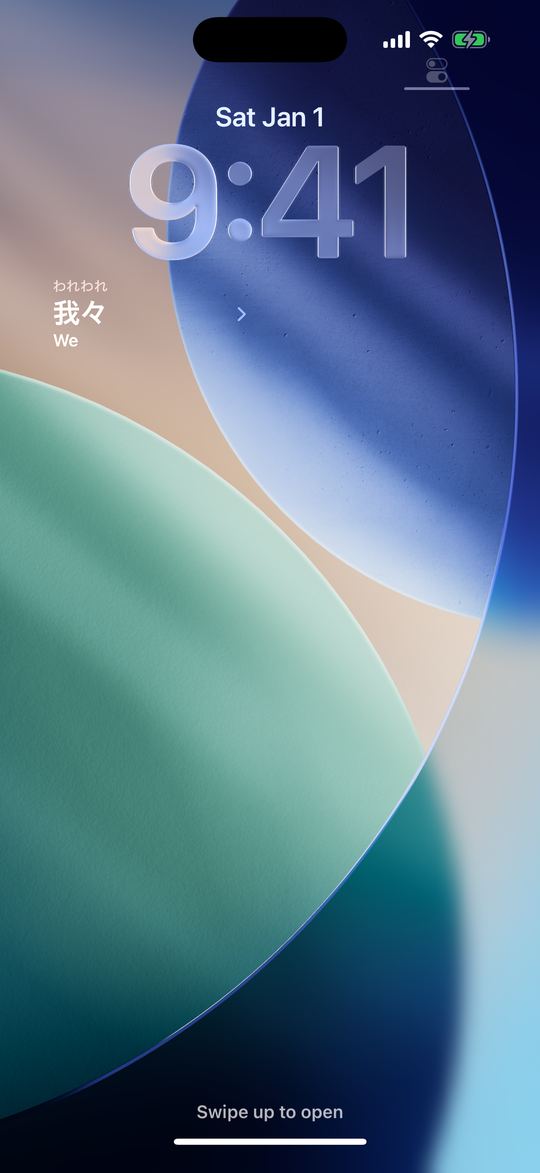
New in 3.0: start a review, then leave the app. The next question waits in the Dynamic Island and on your Lock Screen, and you answer it with one tap.
That's ManabitAI's App Store privacy label. No account to create, and your library syncs through your own iCloud. How privacy works
Prices in the Japan App Store. A weekly plan is also available in the app. Managed through your Apple ID.
All five. The built-in decks hold 8,168 words from N5 to N1, and anything you scan is added on top.
Yes. Paste text from an article, ebook or social post and it's split into words the same way a scan is.
For vocabulary, yes. Capture, readings, definitions and spaced repetition happen in one place, with no manual card making.
The App Store privacy label for ManabitAI is “Data Not Collected”. Your library syncs through your own iCloud account.
Not yet. ManabitAI is built for iPhone.
Subscriptions are managed in your Apple ID settings, and you can cancel any time.